1. Get an Azure subscription
Everything in Foundry bills to, and lives inside, an Azure subscription. A brand-new tenant has zero. So step one is to create one.
In plain English
Section titled “In plain English”A subscription is just the account that everything sits in and bills to. No subscription, no resources — you can’t even start. This is the one step where you’ll need a card (Microsoft verifies you’re real and gives you free credit; you’re not charged unless you go past it).
Follow along
Section titled “Follow along”-
Open the Subscriptions blade in the Azure portal. A fresh tenant shows “0 of 0” — the blocker.
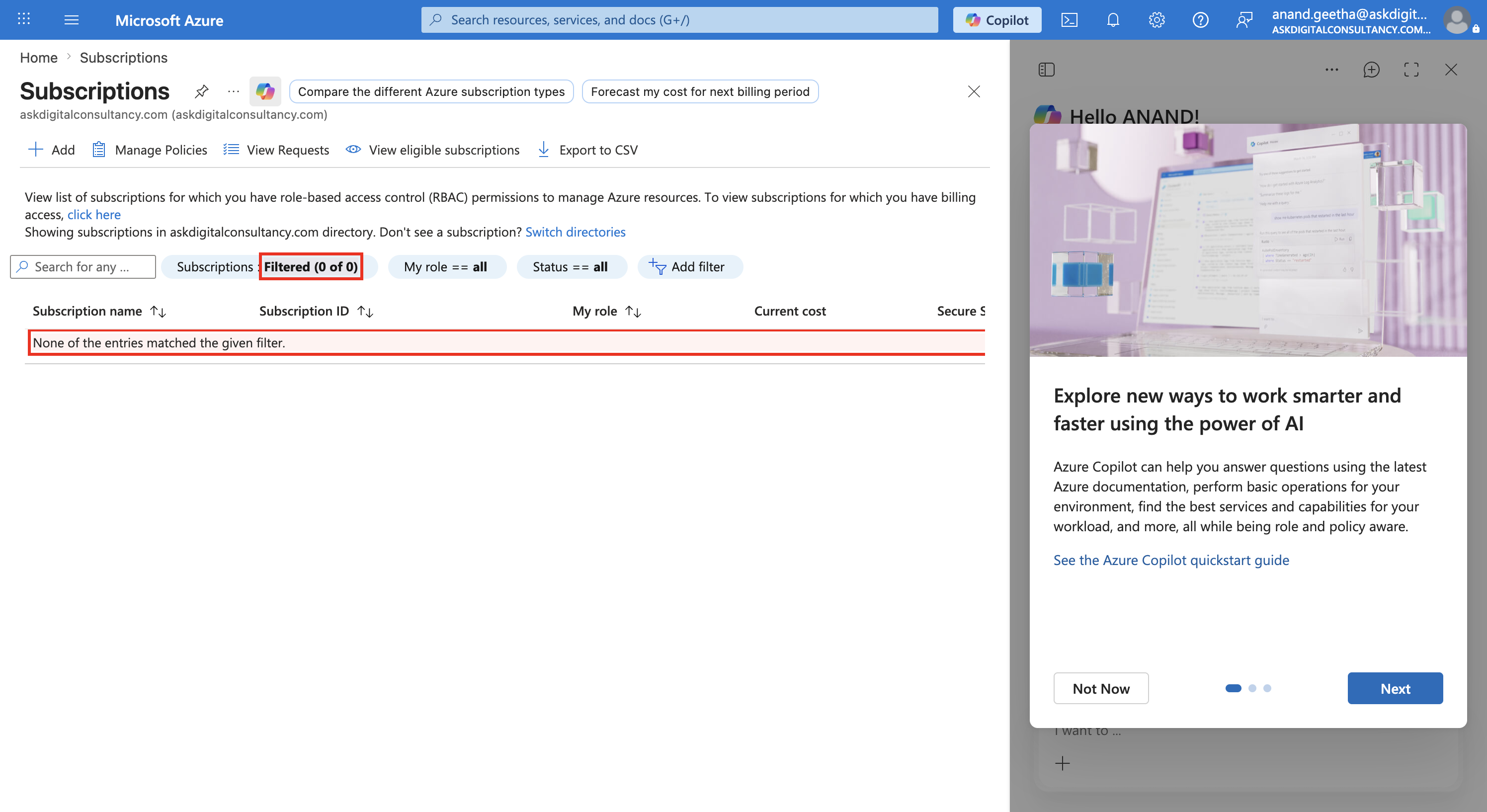
The Subscriptions blade with no subscription — nothing can be built yet. -
Start an Azure free account (the signup at
signup.azure.com). Step 1 is the agreement — tick “I represent that I am the individual…” (the Microsoft Customer Agreement) and click Next.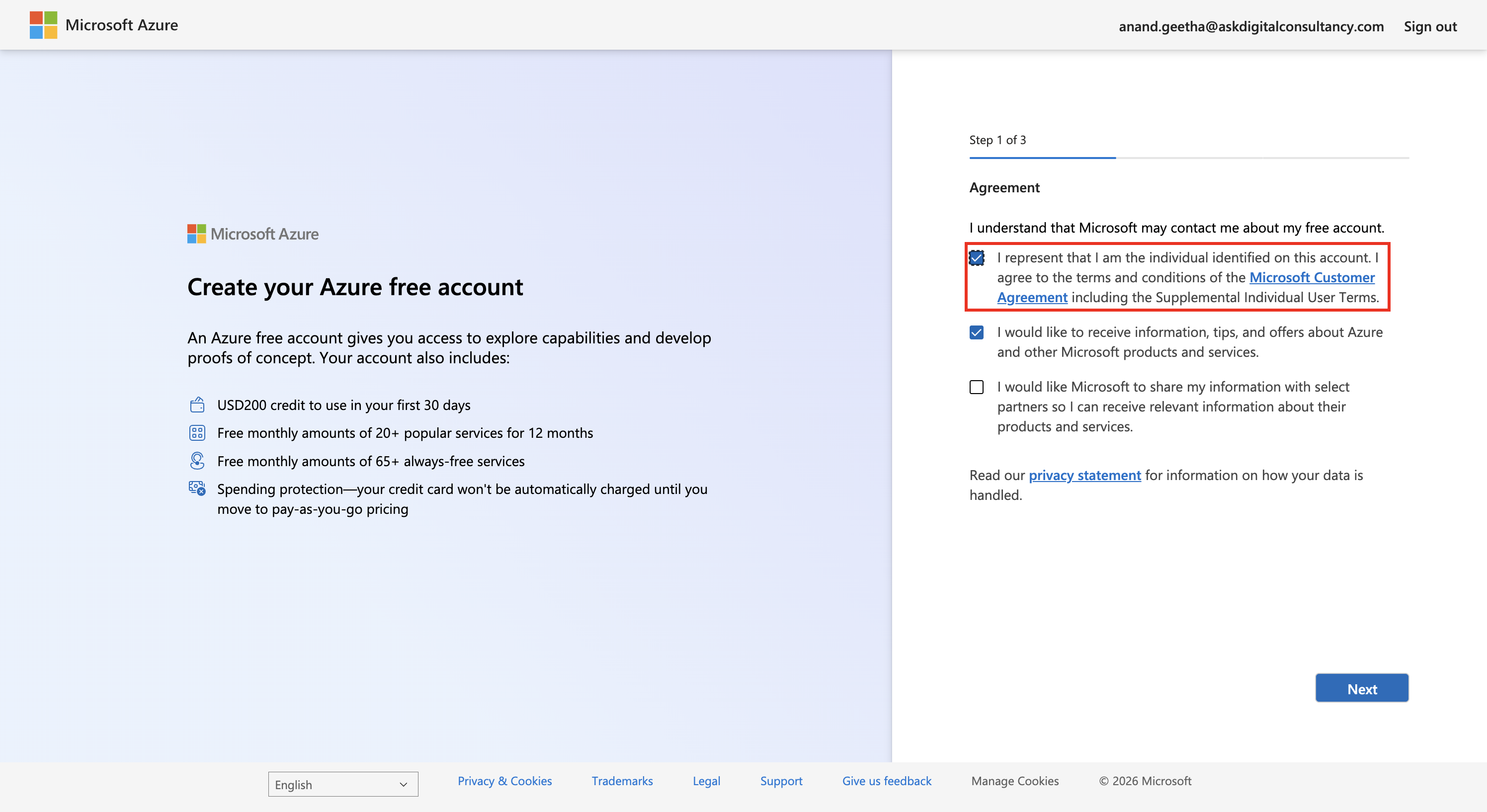
Signup step 1 — accept the Microsoft Customer Agreement (boxed). -
Fill in the profile (country United Kingdom, name, email). Then complete phone → SMS verify → card. Microsoft gives free credit; the card is only for identity + overage.
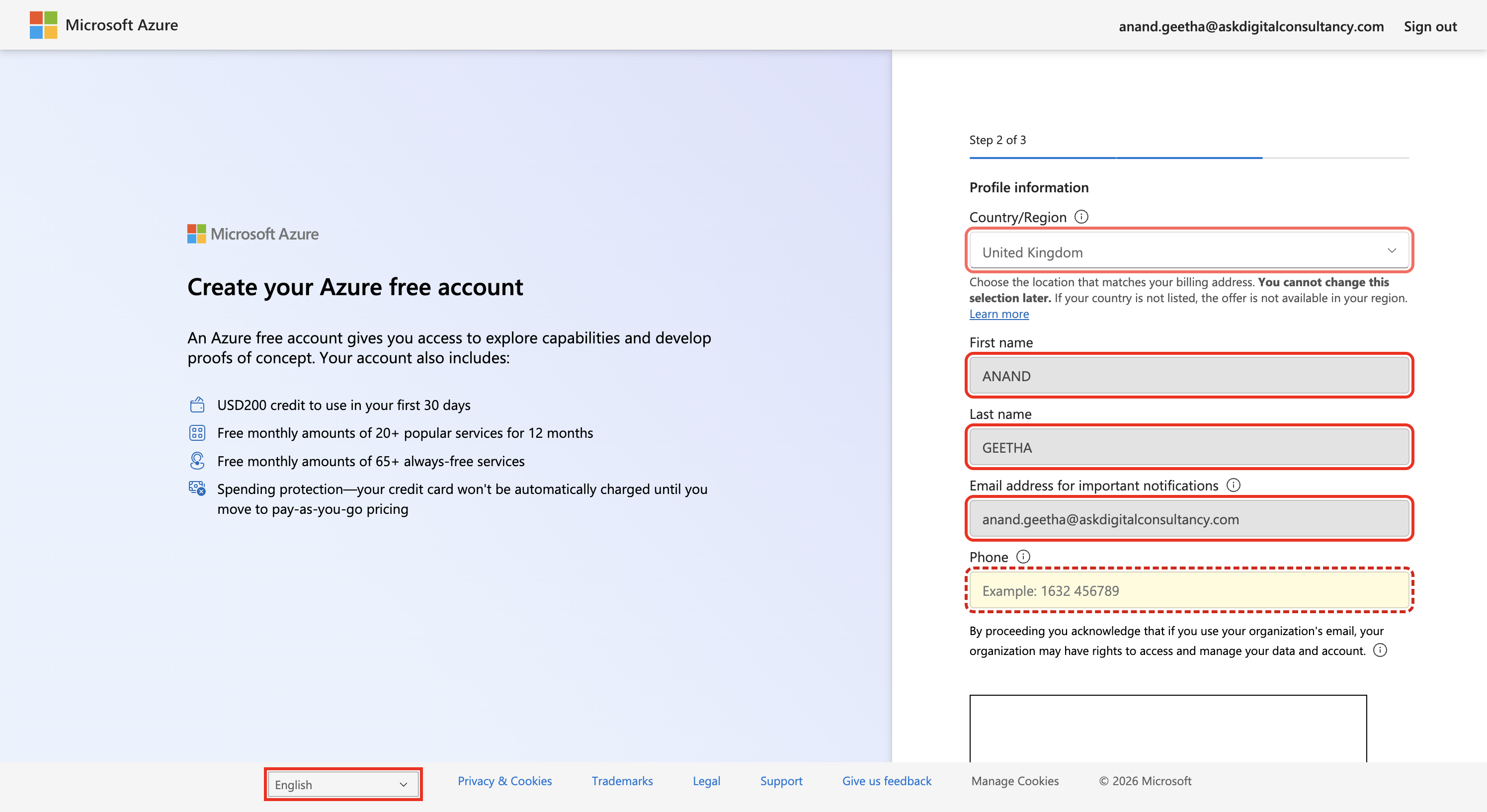
Signup step 2 — the profile form.