7. Add the one allowed exit — an allow-listed tool
The agent now has no internet. We add back one exit — a custom OpenAPI tool whose spec only knows about a single host. The agent can call that host and nothing else, because nothing else exists in its world.
In plain English
Section titled “In plain English”An OpenAPI tool is just a description of an API: here’s the address, here’s the one thing you can ask it. Whatever host you write into that description is the only place the agent can reach. Leave out every other site and they’re simply unreachable — not “blocked by a rule it might talk its way around”, but not present. That’s why this is the heart of controlled egress.
For the demo the allowed host is Wikipedia’s article-summary API. In production you’d point it at your own fetch-proxy that enforces a real allow-list (covered at the end).
Add the tool
Section titled “Add the tool”-
Tools → Add → Browse all tools.
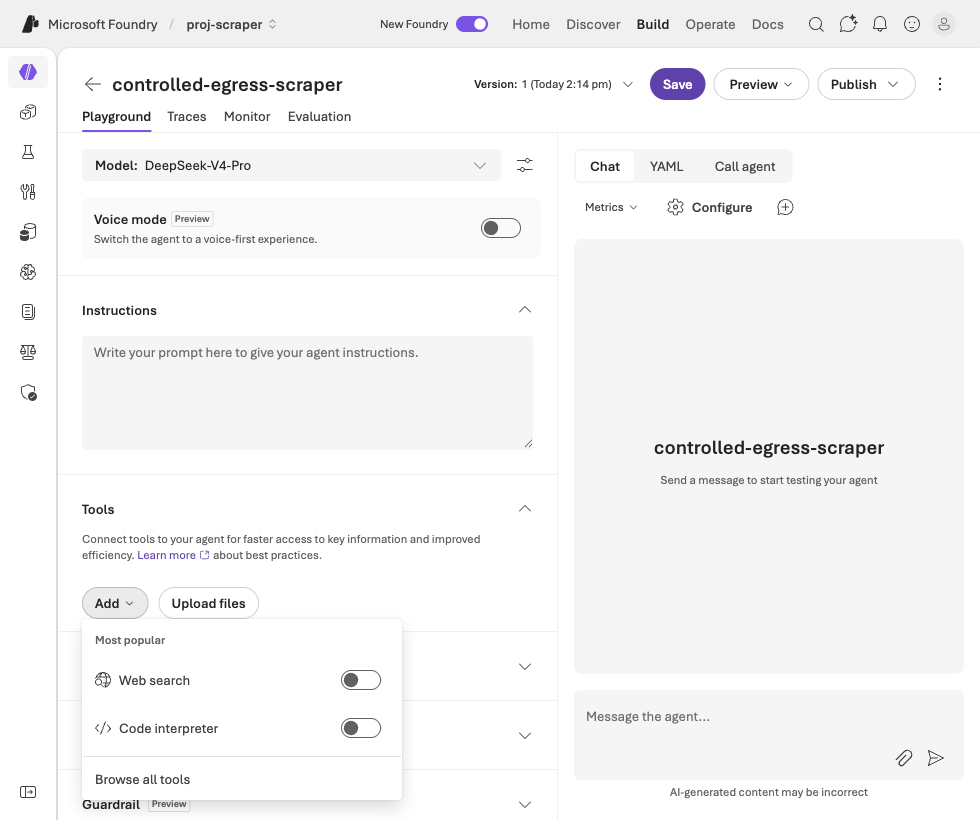
Tools → Add menu. -
Open the Custom tab → choose OpenAPI tool. (The other custom option is MCP.)
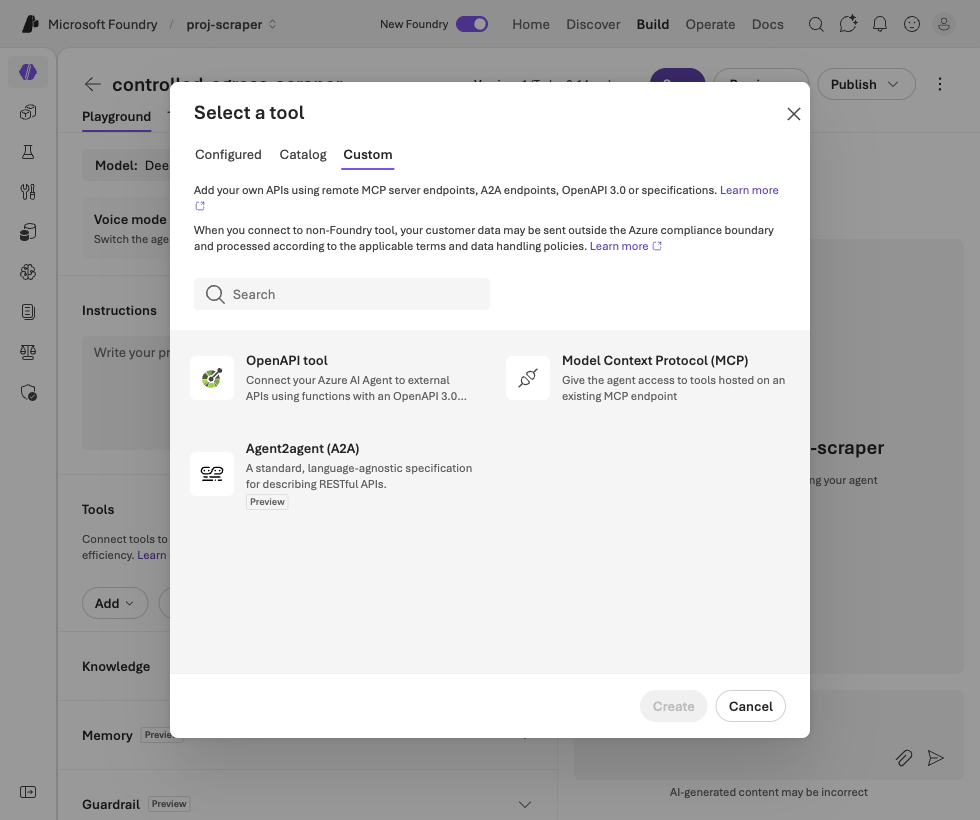
The Custom tab — OpenAPI tool boxed. -
Configure it: Name
allowlisted_fetch, Authentication = Anonymous, and paste an OpenAPI 3.0 schema whoseserversURL is locked to one host. Here it’shttps://en.wikipedia.org/api/rest_v1with a singleGET /page/summary/{title}operation.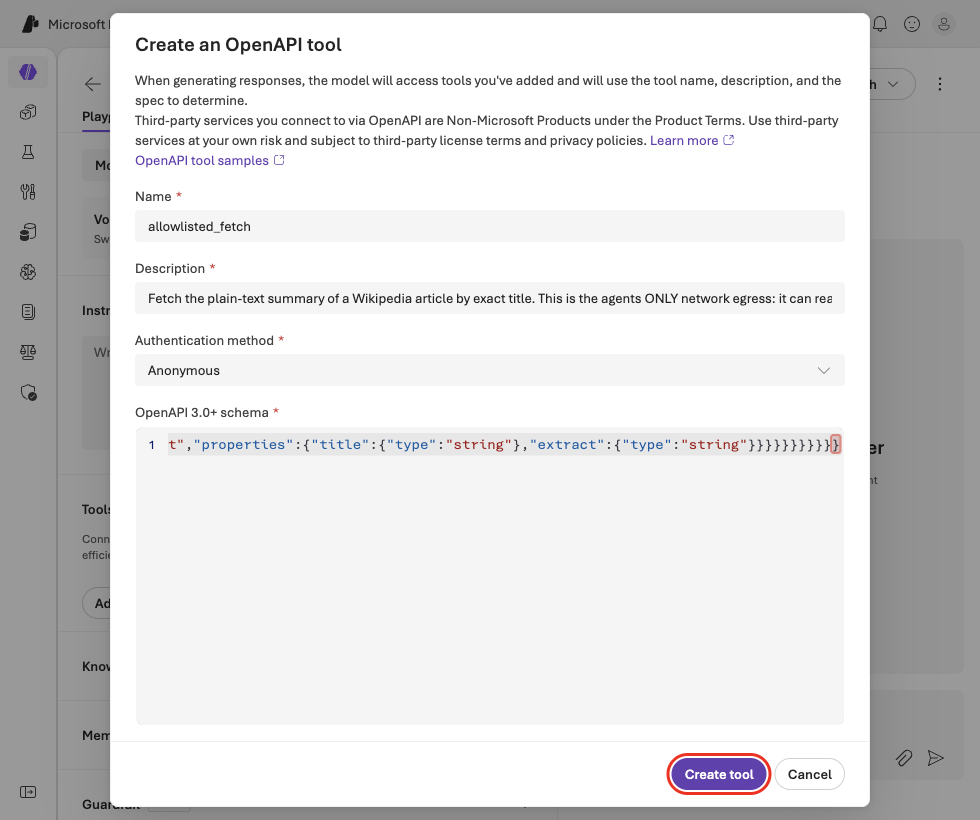
The OpenAPI tool config — name, Anonymous auth, and a schema whose server is locked to one host.
The schema that does the locking:
{"openapi": "3.0.1","info": { "title": "Allowlisted Fetch", "version": "1.0.0" },"servers": [ { "url": "https://en.wikipedia.org/api/rest_v1" }],"paths": { "/page/summary/{title}": { "get": { "operationId": "getArticleSummary", "summary": "Fetch the summary of an allow-listed Wikipedia article", "parameters": [ { "name": "title", "in": "path", "required": true, "schema": { "type": "string" } } ], "responses": { "200": { "description": "Article summary" } } } }}}-
Create tool.
allowlisted_fetchis now the agent’s only tool — its entire connection to the outside world.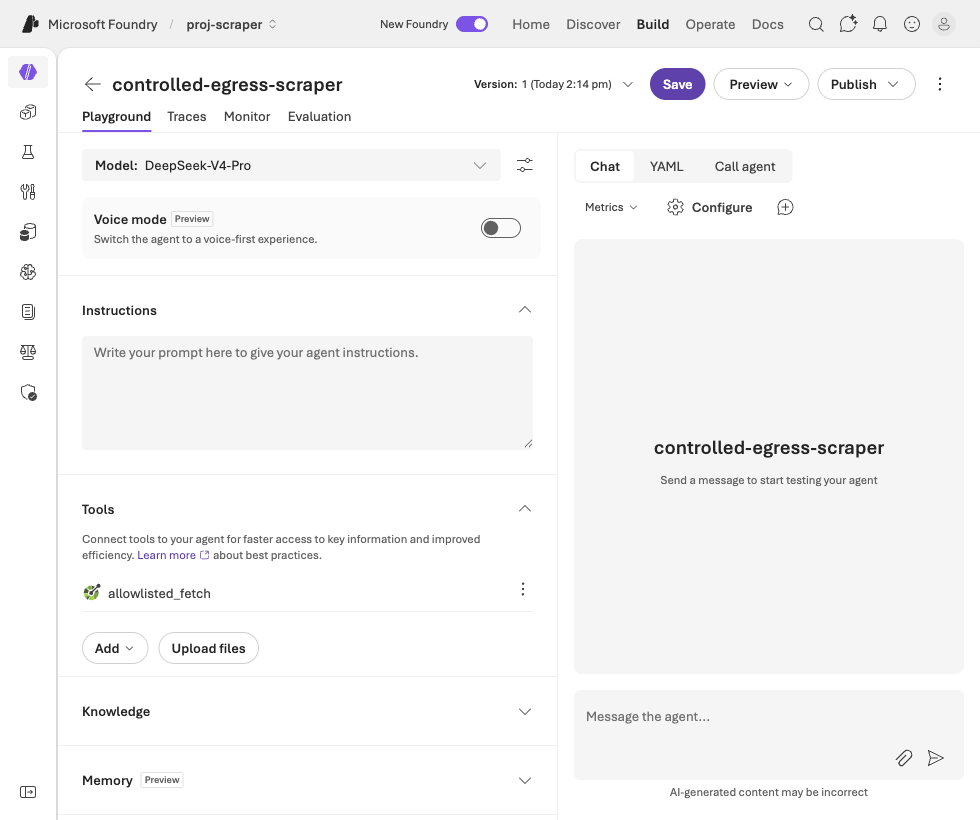
allowlisted_fetch added — the agent's sole tool, locked to one host.