4. Hit the quota wall
An agent needs a model (a “brain”). So the natural next move is to deploy one. This is where almost every beginner gets stuck — and it’s worth understanding why, because the error message doesn’t explain it.
In plain English
Section titled “In plain English”A model deployment needs quota — an allowance of tokens-per-minute that Microsoft grants per subscription, per region, per model. A brand-new free subscription is granted zero for the modern models. So the deploy button is there, you click it, and every option says “insufficient quota.” It looks like you did something wrong. You didn’t — the cupboard is just empty until you ask for stock.
The wall
Section titled “The wall”-
Discover → Models → search
gpt-4o-mini→ open the card.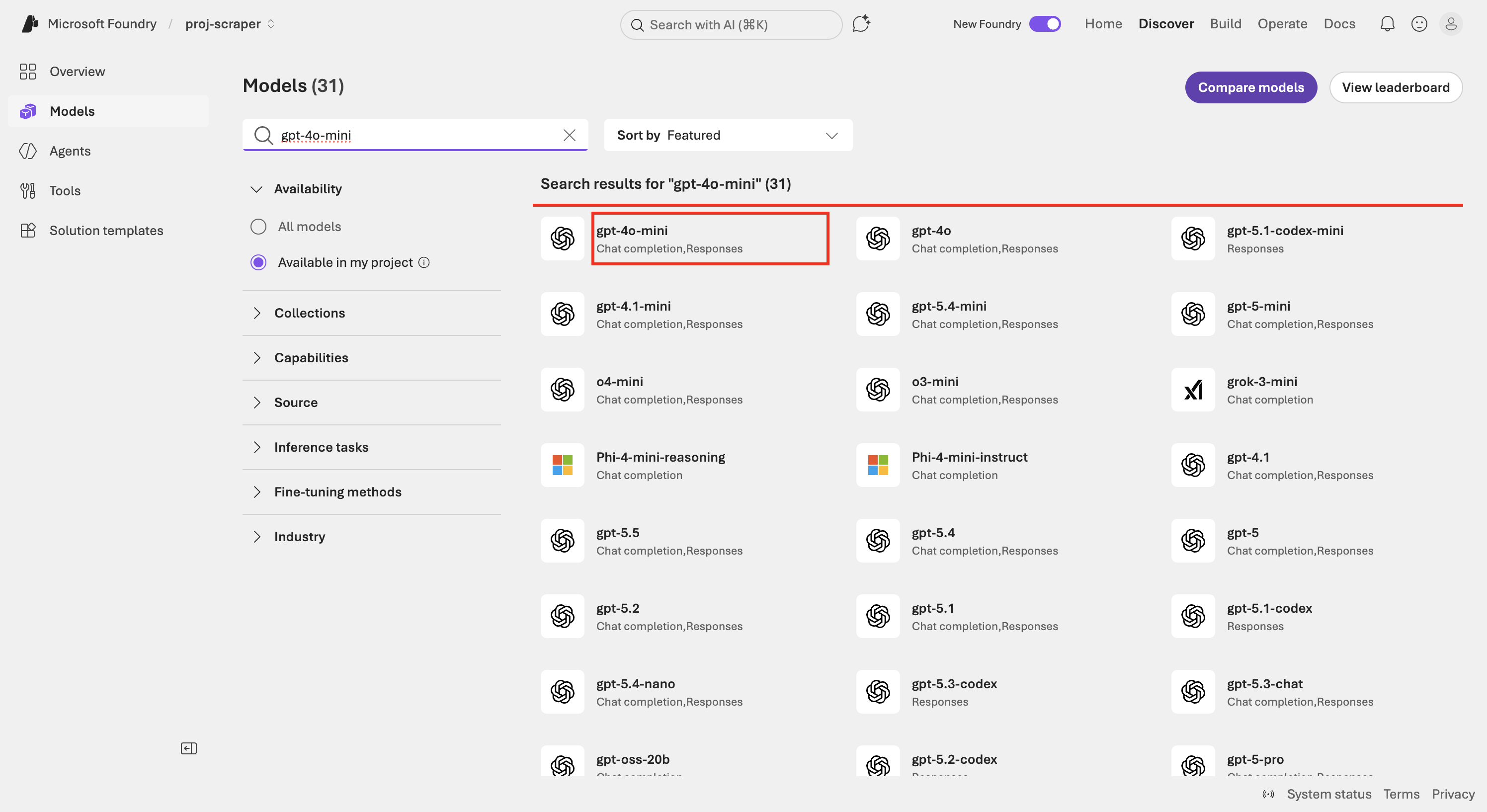
The model catalogue filtered to gpt-4o-mini (boxed). -
On the model page, click Deploy.
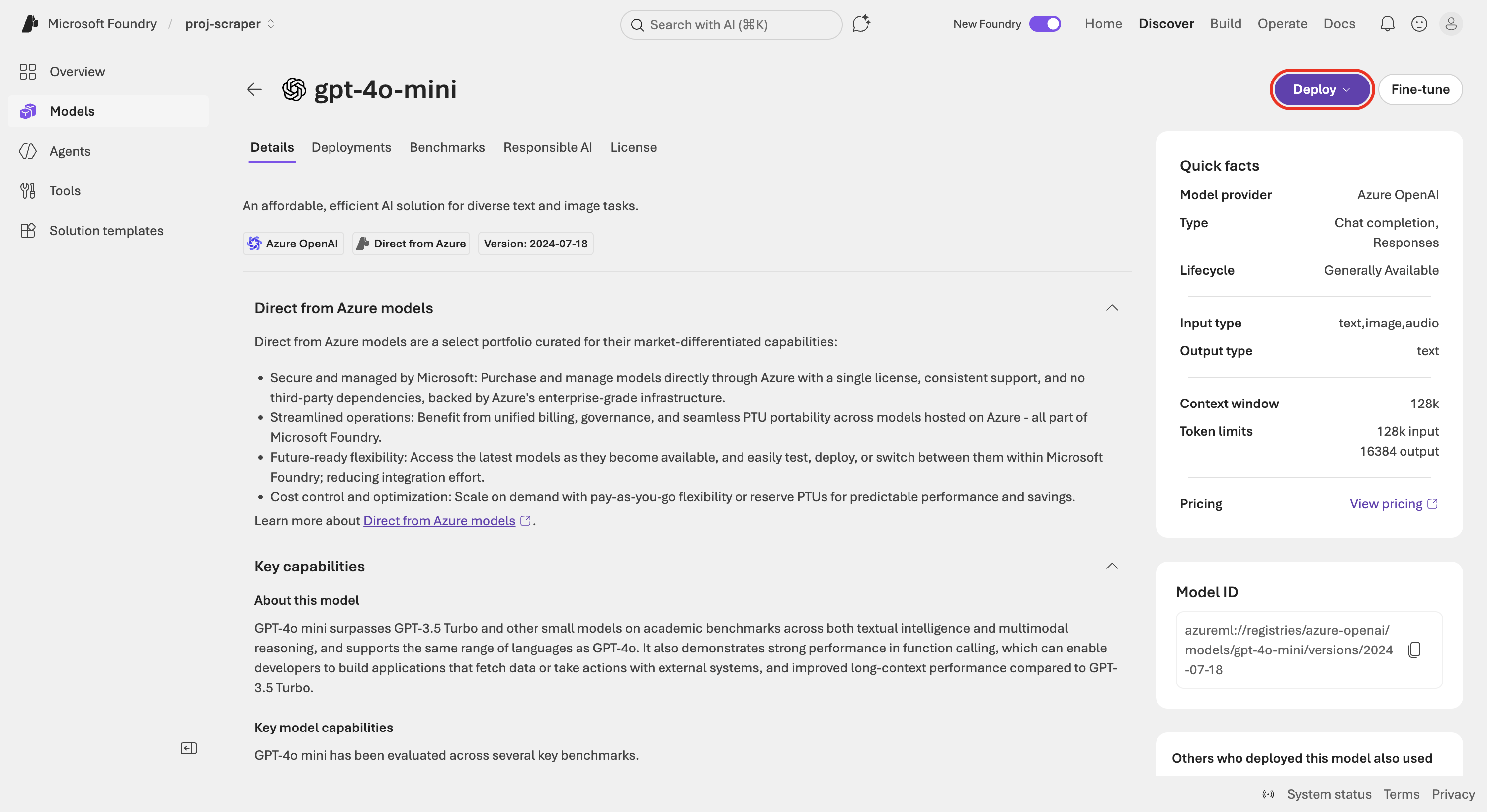
The model detail page — the Deploy button is boxed. -
Choose Default settings (global standard + default quota), versus Custom (your own SKU/quota/version/guardrails).
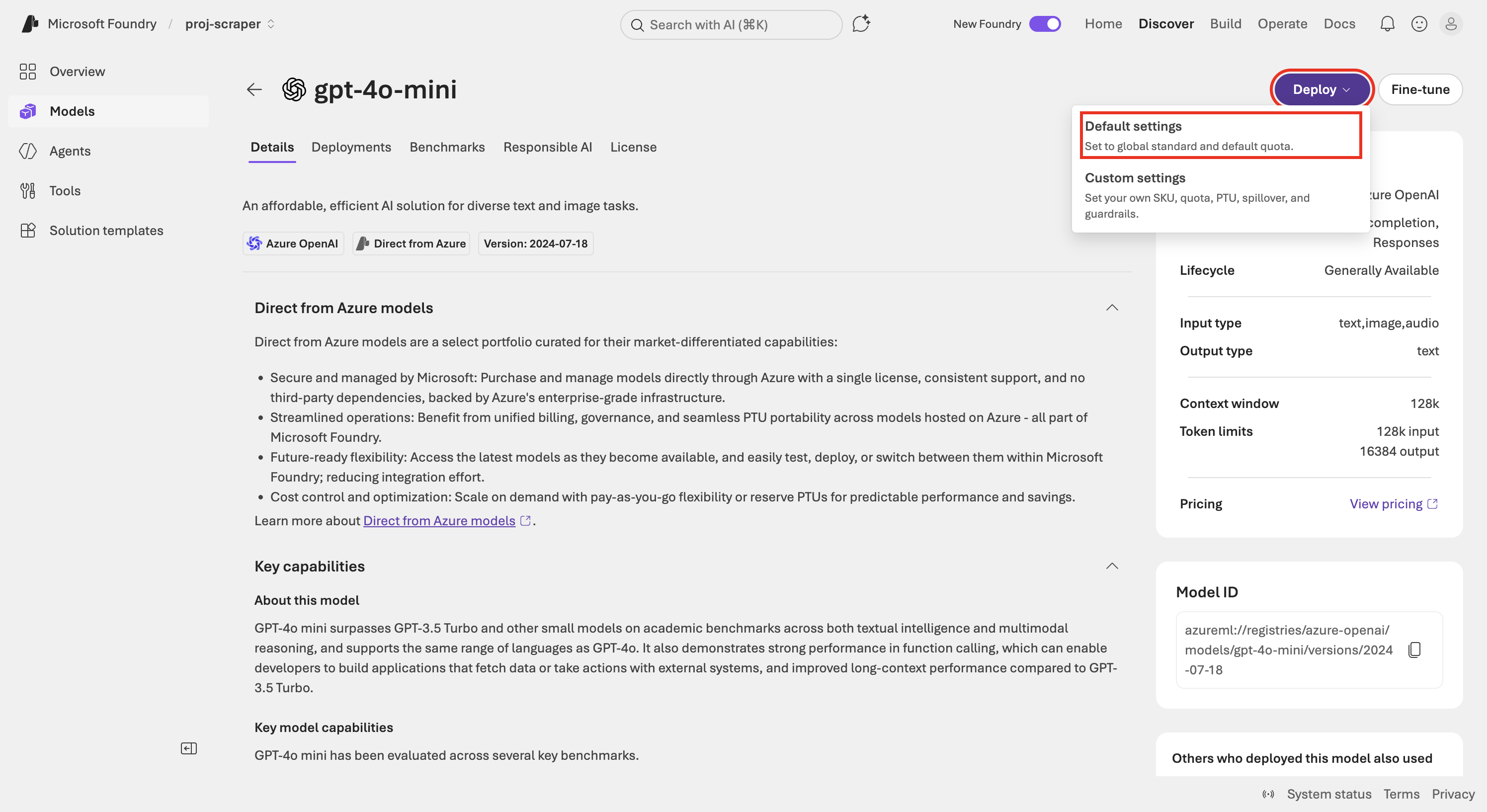
Deploy menu — 'Default settings' boxed. -
The wall. The “select a project to deploy” dialog shows every region reading “(Insufficient quota)” — East US 2, Sweden Central, UK South, West Europe, all of them. It’s not a model or region problem. The subscription has 0 Azure OpenAI quota, account-wide.
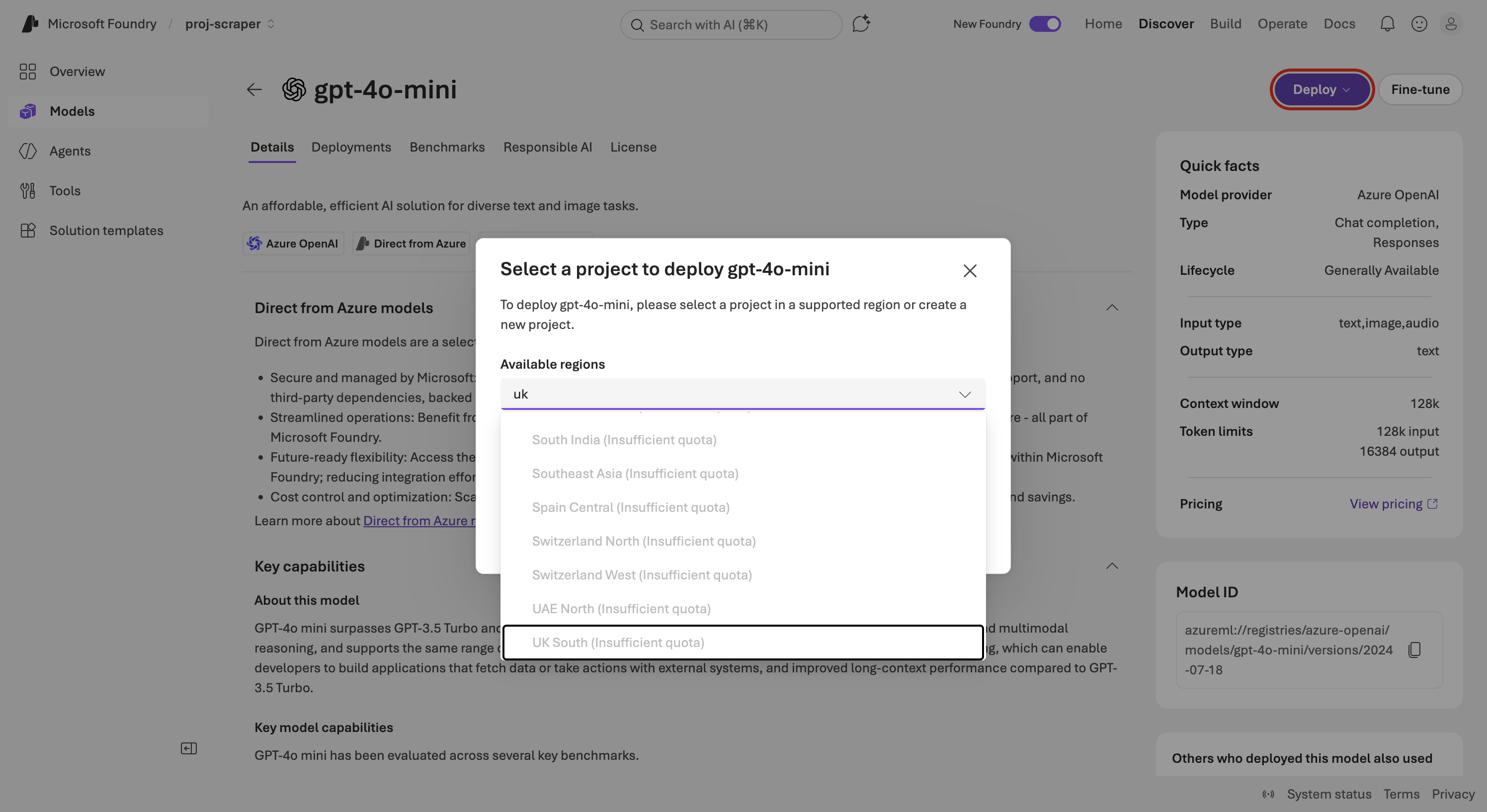
THE WALL — every region says Insufficient quota. The subscription simply has no quota at all.
The upgrade that doesn’t fully fix it
Section titled “The upgrade that doesn’t fully fix it”The fix everyone reaches for first is upgrading the subscription to true Pay-As-You-Go.
-
Subscriptions → your subscription → Overview shows a yellow banner: “Your remaining £200 of free credit expires in 30 days. Upgrade to keep going.” Click Upgrade.
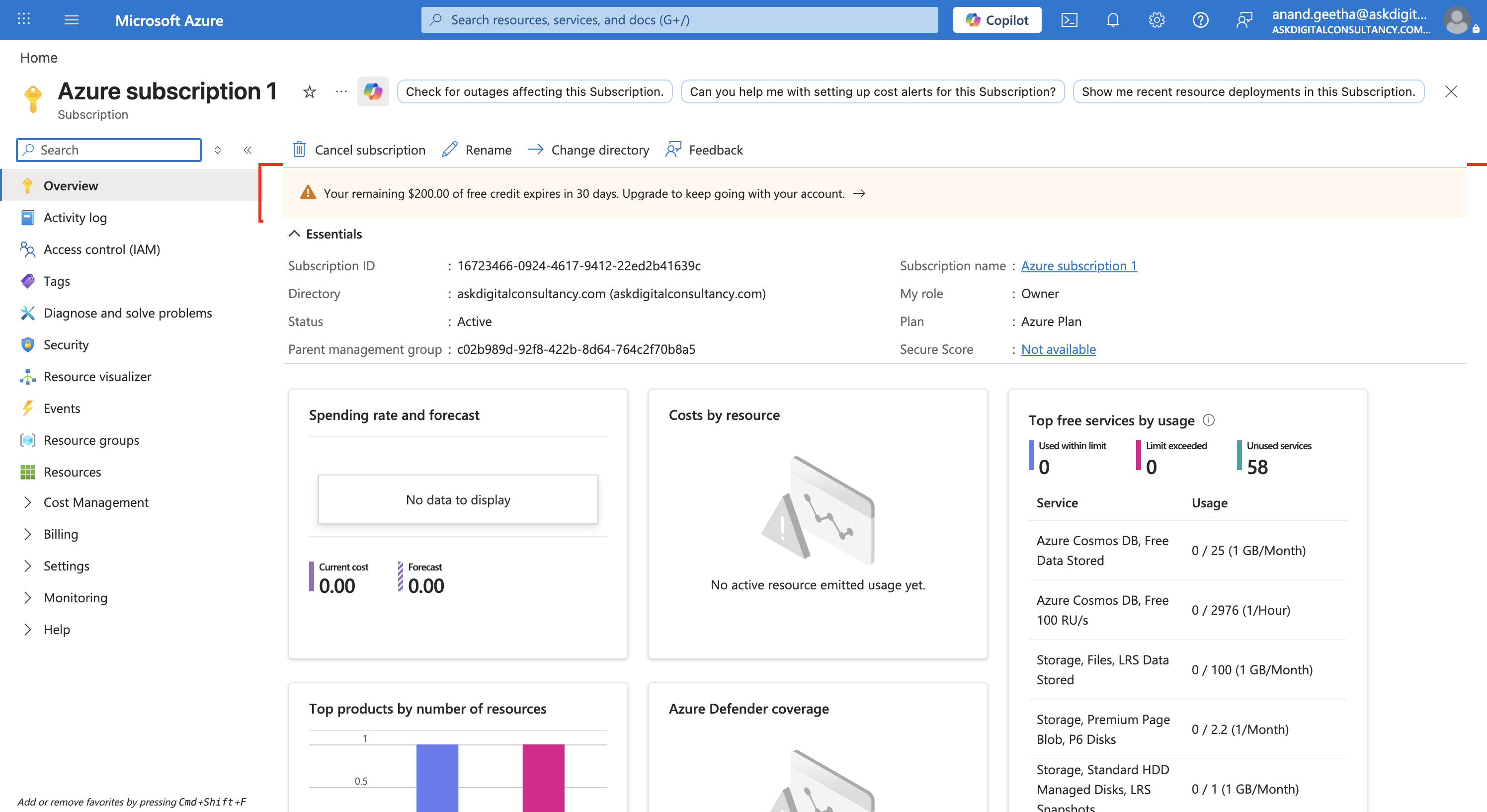
The free-credit 'Upgrade' banner (boxed). -
On the upgrade page, pick support plan Basic – Included (free), then Upgrade now. (This is the billing-authorisation step — it’s the one click you do yourself.)
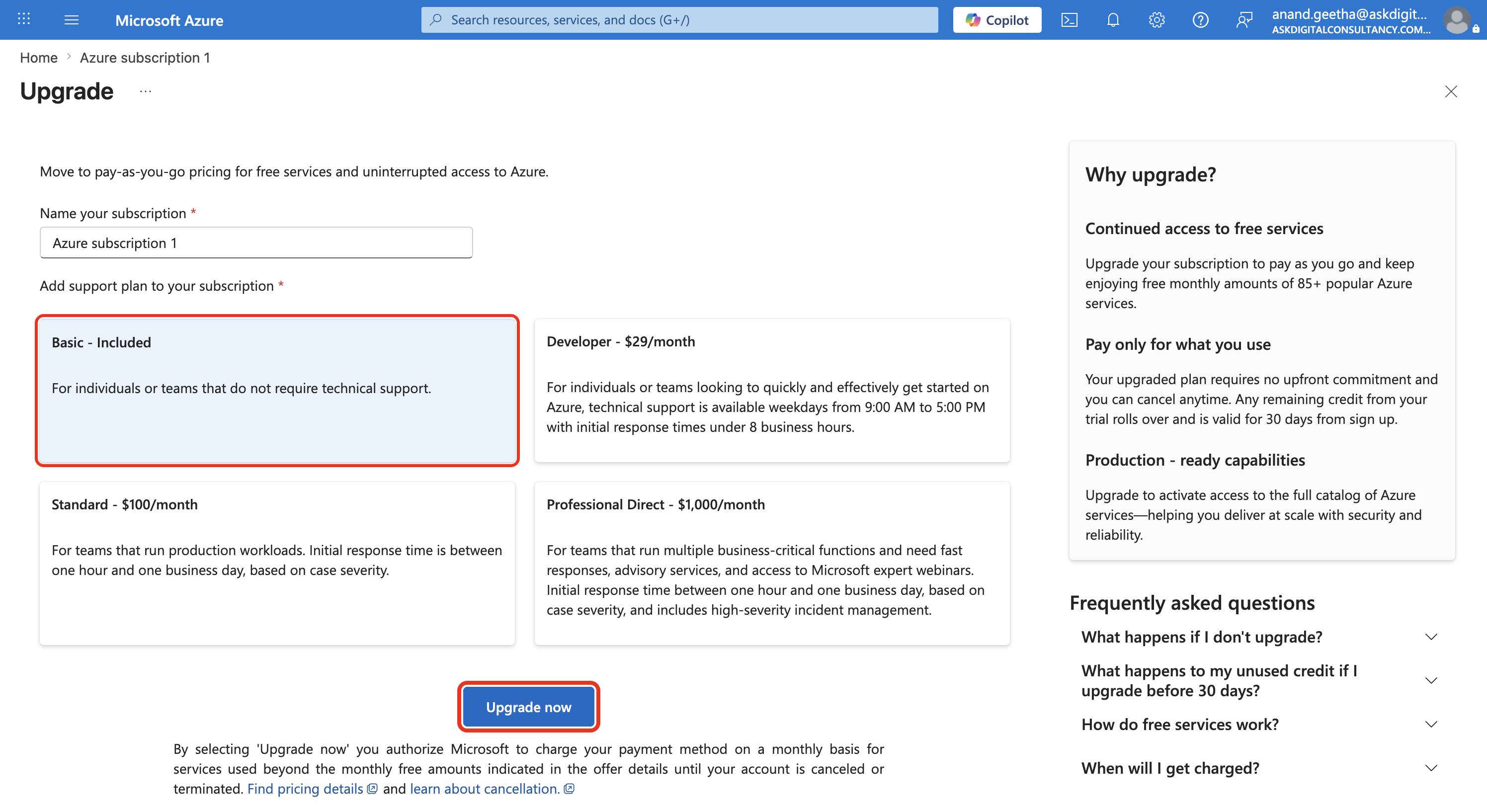
Upgrade page — Basic (free) selected, 'Upgrade now' boxed. -
Re-try the deploy. Still blocked. Open Operate → Quota → Tokens per minute → Show all and you see why: the subscription was seeded default quota only for older models (GPT-3.5-Turbo, GPT-4) in one region — and 0 for
gpt-4o-minieverywhere.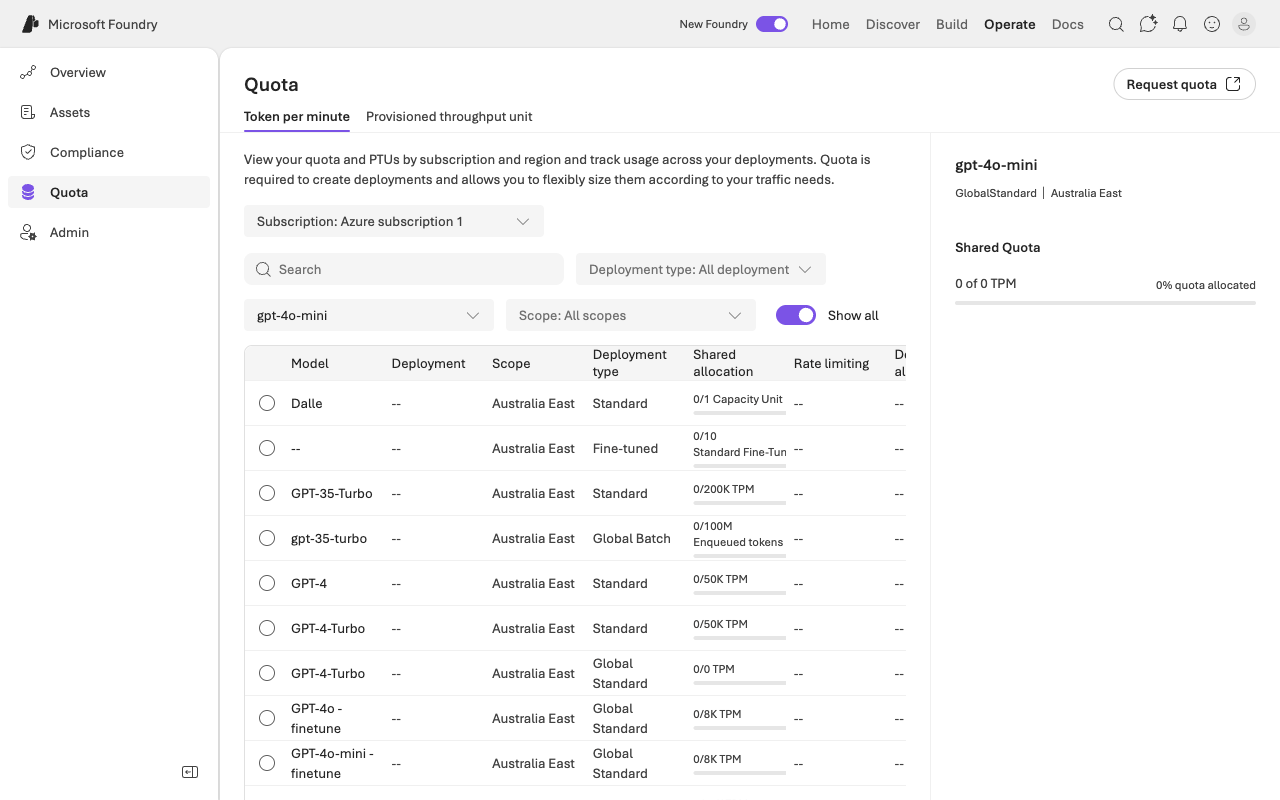
The smoking gun: gpt-4o-mini · GlobalStandard · 0 of 0 TPM.
So: PAYG alone doesn’t grant model quota — you’d have to Request quota and wait. Rather than wait, the next page takes the third door.